
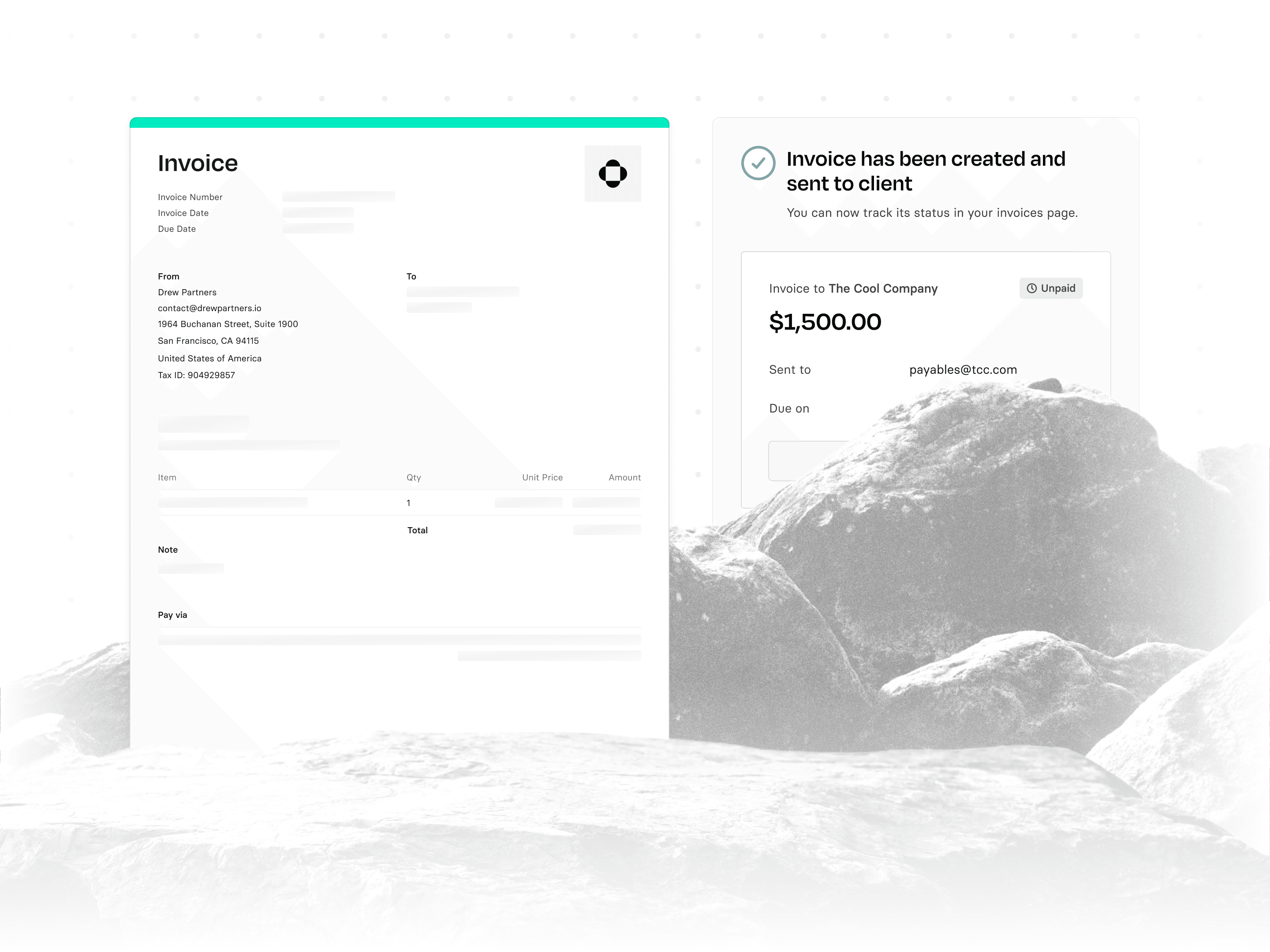

Starting today, Rho clients can begin accepting invoice payments by credit card. Plus, every invoice now syncs seamlessly into QuickBooks, saving time every month.
Highlights
Rho clients can now accept card payments for outstanding invoices.
Setup takes seconds, and every invoice syncs with QuickBooks through our direct integration.
When your client pays your invoice, we deduct 2.9% + 30¢ from the payment and deposit the rest into your Rho account.
Acquiring paying customers is hard enough. Getting paid by them shouldn't be the hard part.
Most customers aren't slow to pay because they don't want to. They're slow because paying you takes work: finding wire details, logging into their bank, initiating a transfer. Meanwhile, they pay for everything else in their business with the card in their pocket.
Now they can pay you that way too.
How it works
You set this up once. An account owner or admin completes a short verification flow inside Rho. Review usually takes a few business days, and if we need more information, we'll tell you exactly what's missing. You can resubmit at any time.
Once you're approved, card payments turn on automatically. Customers see "Pay by card" next to bank transfer and wire on every eligible invoice link. The invoice is marked paid the moment they pay, and the funds land in your Rho account.
The fee is 2.9% + 30¢ per card payment, and you'll see it before you turn anything on. It comes out of the payment before deposit, so you're never billed separately. No markup, no monthly cost, no fee to your customer.
Every invoice syncs with QuickBooks
Rho invoices sync into QuickBooks Online as accounts receivable, so your bookkeeper isn't matching deposits to invoices at month-end. Create an invoice in Rho and it exists in QBO. Your AR aging stays accurate and nobody enters anything twice.
How to get started
Go to Integrations > Payment integrations, then turn on card payments.
Not using Rho Invoicing yet? It's free with every Rho account, and you can send your first invoice in minutes.